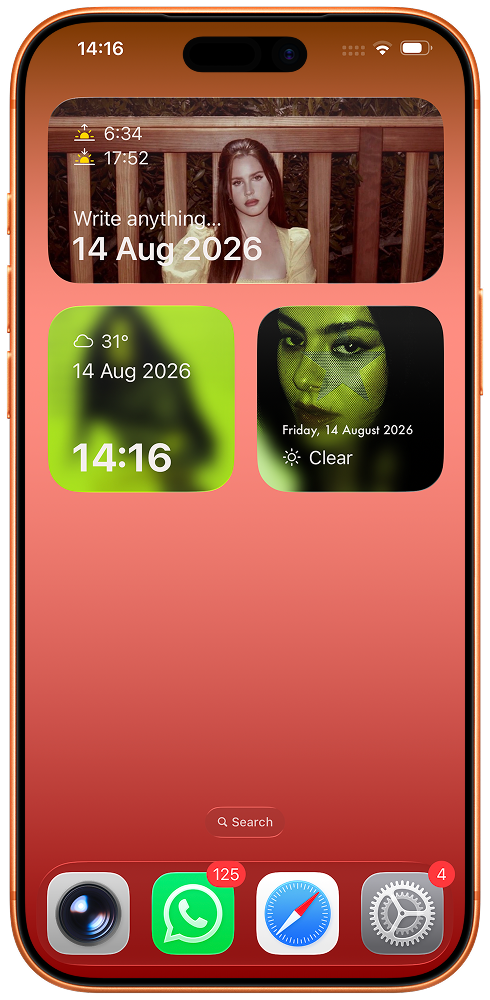
Widgets that look the way you drew them
Pomelo Widgets lets you design your own iPhone and iPad widgets — text, clocks, dates and weather, layered over a colour, a gradient or your own photos.
Features
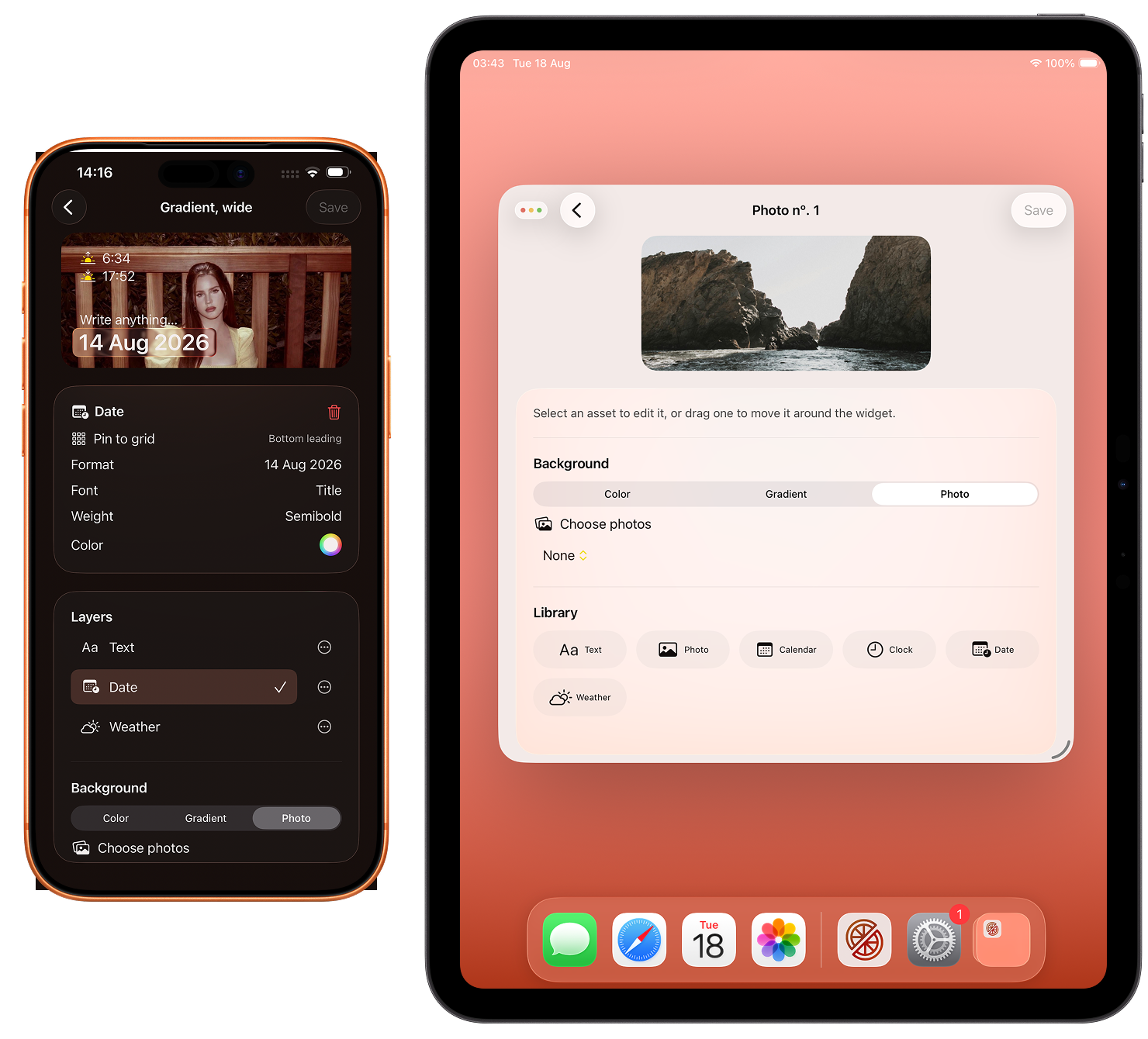
Build a widget on your iPhone, one layer at a time
Add text, a clock, a date, the weather or a photo, then drag each layer where you want it.
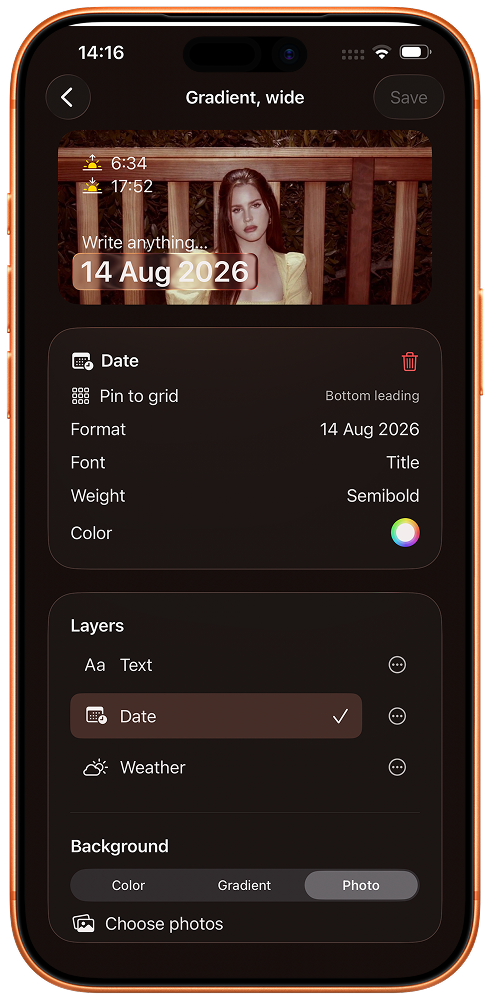
Start from a template, or from an empty canvas
Pick a ready-made widget and put your own picture in its place, or begin with nothing at all.
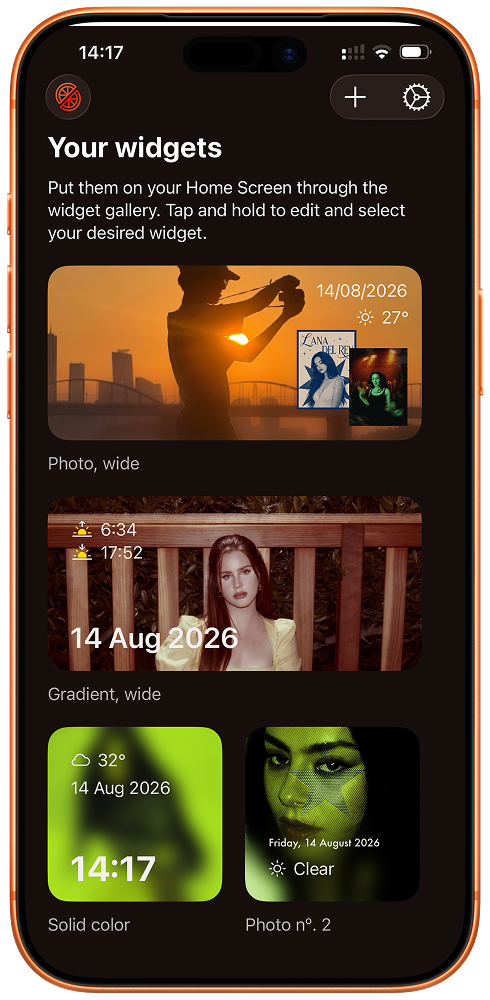
Then put it anywhere on your iPhone's Home Screen
Pomelo widgets come in small, medium and large. Add one from the widget gallery, then touch and hold it to choose which of your designs it shows.